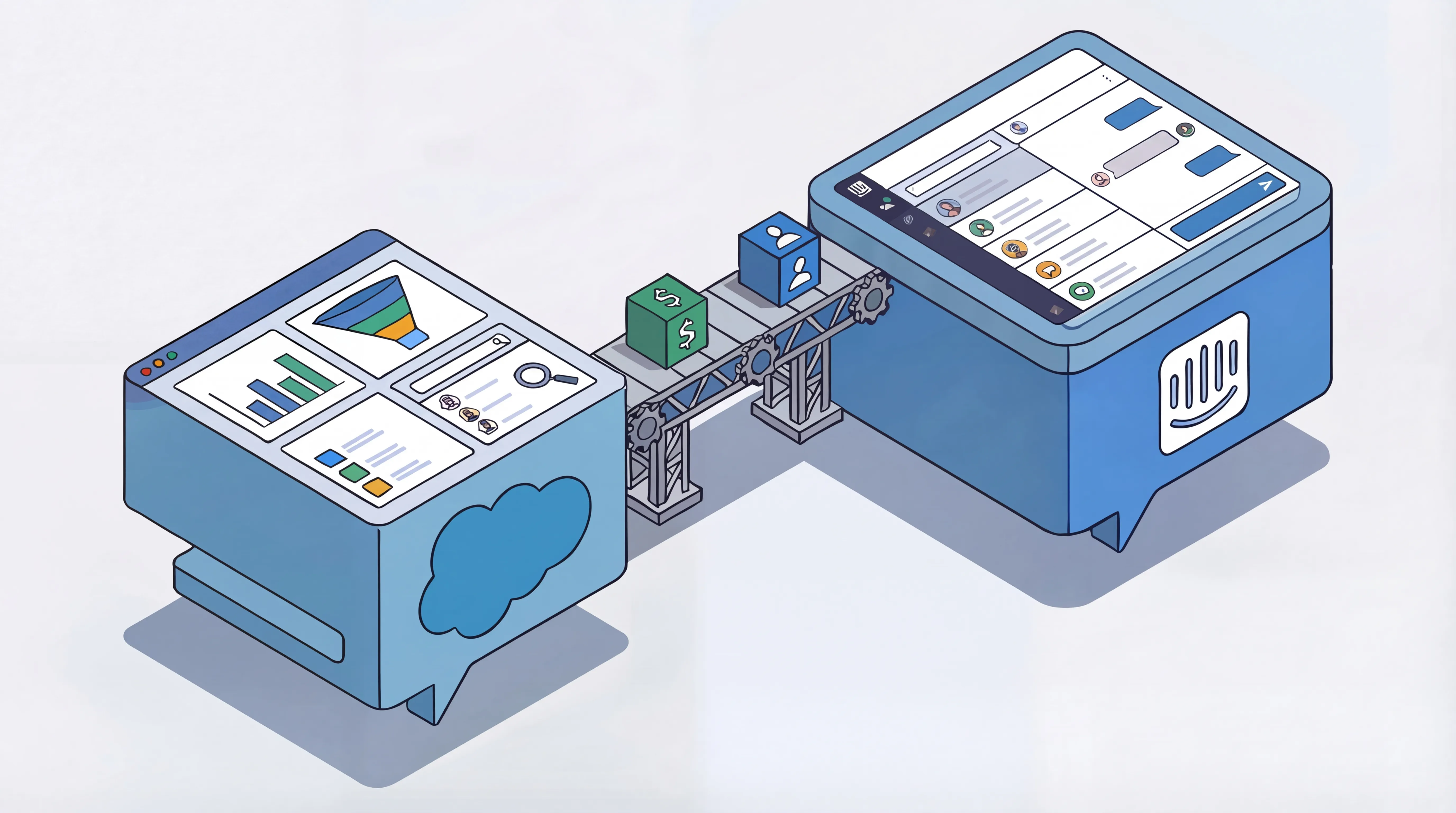
The Problem
Our support and success teams operated out of different systems: Salesforce as the CRM and Intercom as the Support and Live Chat tool. When someone reached out through Intercom, agents couldn’t see anything about the account - what stage the deal was at, when renewal was coming up, or whether there’d been recent sales conversations. They were missing things like:
- Account context - Deal stage, contract value, renewal date
- Sales history - Recent conversations, open opportunities
- Customer health - Usage data, support history, escalation risk
Meanwhile, revenue teams had the same problem in reverse. No idea what was happening in support and missing key parts of the lifecycle interactions. Data lived in silos, and the “sync” was a manual process, usually taking place in untracked Slack conversations or email chains.
This made for slower responses, awkward conversations (“sorry, can you remind me what plan you’re on?”), and reporting that couldn’t connect what support was doing to actual revenue outcomes.
What I Built
While Intercom and Salesforce can talk to each on a general level, the out of the box solutions weren’t fit for purpose for us. We needed a fully custom solution that dealt with all the unique intricacies of our systems.
From Salesforce to Intercom: we needed visibility of account details and status. Revenue comms, deal stages, ARR, renewal date, customer segments all visible in Intercom without agents having to learn and navigate Salesforce. Or have everyone need SF licenses.
From Intercom back to Salesforce: conversation history, active conversations and details, tags, and resolution data for any support requests.
That all resulted in:
Salesforce to Intercom:
- Account and Contact data synced automatically
- Custom attributes surface deal stage, ARR, renewal date, and customer segment directly in Intercom
- Agents see full customer context without leaving their workflow
Intercom to Salesforce:
- Conversation history, tags, and resolution data flow back to Salesforce
- Custom fields track support sentiment and customer satisfaction
- Full visibility of support interactions easily accessible
Escalation Flow:
- A full end to end Escalation flow that eanbles Support Agents to hit a single macro button in Intercom
- This then automates notifications to relevant success and revenue team members, looks up account data, and applies escalation statuses and SLAs
- This process occurs across global regions, has multiple fallback options and even accounts for vacation and holiday status of reps pulled from our HR system
Technical Approach
The out of the box solution wasn’t verbose enough for us.
- Custom Apex triggers in Salesforce to detect changes and push updates
- Intercom Data Connectors configured for bi-directional attribute sync
- Workflow automation in both platforms to handle the process (new conversations, duplicates, new contacts, merged records, deleted accounts)
- Error handling and logging to catch sync failures before they became data quality issues
The architecture prioritized reliability over complexity. No middleware layer to maintain, just direct platform to platform communication with clear ownership.
Impact
| Metric | Before | After |
|---|---|---|
| Manual sync work | 10+ hrs/week | 0 |
| Time to customer context | 5+ Minutes | Instant |
| Data accuracy | Error-prone | Automated validation |
| Support to Revenue reporting | Not possible | Full attribution |
Beyond the numbers, this changed how the teams work. Support had the context they needed to properly assist our clients. Revenue and Success teams knew when accounts had open issues and could see any historical issues. Leadership finally had reporting that connected support effort to retention as a full picture.
What I Learned
The hardest part ended up being the data model. Each system had different concepts of “customer” and “conversation.”, and different technical models behind each one. Getting alignment on which fields mattered, what was noise, and making sure we didn’t stray from the end goal required cross-functional conversations that were very valuable.
It really highlighted how GTM and Business Systems work is, at it’s core, about understanding how people actually work and what they need. Then building the infrastructure and systems that enables that.